Document Translation Free of Charge: How to Convert Files Online
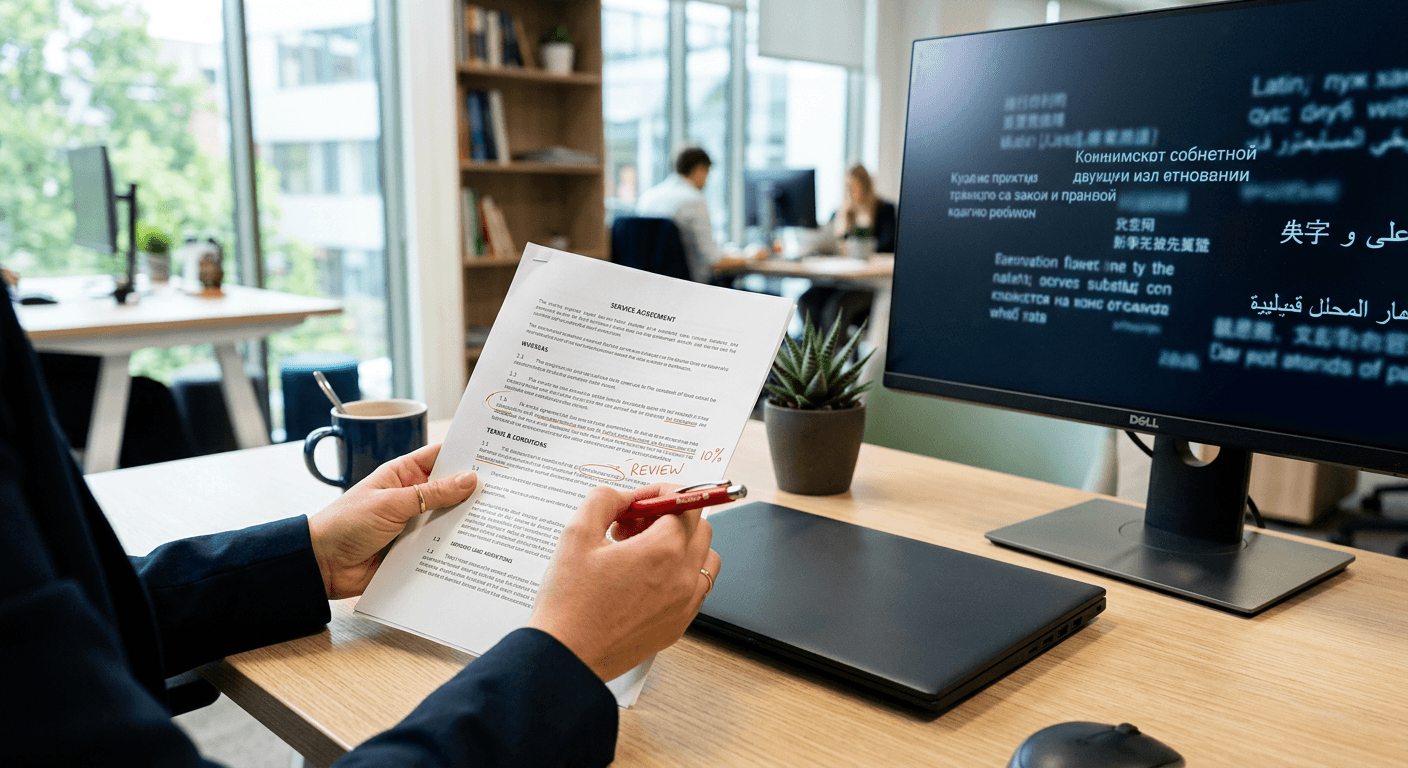
The assumption that a machine engine reads a file the same way a human does is the reason most converted manuals end up unreadable. When relying on document translation free of charge, the software does not see paragraphs or pages; it sees a continuous string of XML tags and hard line breaks. If you feed a structured layout into a machine engine without stripping its hidden formatting first, the algorithm will slice sentences in half every time it hits a design element. Treating a file conversion like a simple text box guarantees broken margins, dropped negative particles, and inverted legal clauses. To extract actionable information without destroying the document's underlying architecture, you must manage the mechanical process of how these platforms actually parse data.
Quick Summary
Using free online tools to translate entire documents requires strategic file preparation and post-translation verification to prevent layout collapse and factual errors. While highly effective for gist reading, machine translation fundamentally lacks the situational awareness required for high-stakes files.
- Match your document's format to a compatible platform to preserve XML tags.
- Remove hidden manual formatting to ensure complete sentence tokenisation.
- Back-translate critical liability verbs to catch algorithmic errors.
- Transition to professional human services when dealing with legally binding agreements.
Table of Contents
- Document translation free of charge: What to expect from online tools
- 1. Choose a platform that supports your file structure natively
- 2. Prepare the document to prevent parsing errors
- 3. Run the conversion and lock the formatting
- 4. Verify the output for critical errors
- The cost of free logic when dealing with high-stakes files
- Common Pitfalls & Troubleshooting
- FAQ
- Recommended Reads
Document translation free of charge: What to expect from online tools
Securing a document translation free of charge requires understanding exactly what you are trading for that zero-dollar price tag. Online tools prioritise speed and volume over nuance. When you upload a file, the engine applies broad statistical models to convert the words as rapidly as possible, entirely bypassing the human checks that catch cultural mismatches or industry-specific definitions.
This trade-off is highly effective when your only goal is internal comprehension. If you need to quickly decipher an email thread from a foreign supplier or scan a draft agenda before a meeting, a free platform delivers immediate utility. However, the output is raw. You should expect mechanical sentence structures, minor formatting shifts, and a complete lack of situational awareness. Relying on these tools is an exercise in managing limitations, ensuring you never mistake a fast, algorithmic conversion for a final, publishable document.
1. Choose a platform that supports your file structure natively
Structural compatibility dictates the survival of your layout
An engine treats documents as either a single text stream or a complex XML bundle. You must determine this before uploading a file. Most translation platforms handle standard Word documents natively. This is because a .docx file is essentially a zipped folder of XML files. The software can extract the raw text. It runs this text through the machine translation model. Finally, it places the new text back inside the original structural tags without destroying the margins.
However, not all tools for translation are built to parse flattened files like scanned PDFs. Some platforms cannot read the embedded visual layers. They will either reject the file entirely or return a document filled with gibberish. You need a platform equipped with built-in Optical Character Recognition (OCR). This converts images of text into machine-readable data. This occurs before the translation process even begins.
To verify compatibility, do not upload your entire 50-page manual immediately. Extract a single page containing complex elements. This could be a table or a chart. Run it through the engine as a test. Check the resulting file to see if the platform successfully maintained the column widths and font hierarchy. This proves the tool can actually read your document's underlying architecture.
2. Prepare the document to prevent parsing errors
Hidden formatting breaks machine logic
Cleaning your document before translation is the only way to prevent the software from generating broken, contextless fragments. Machine translation engines determine where a sentence ends by looking for full stops and paragraph breaks. If your document contains manual formatting choices meant purely for visual appeal, the engine misinterprets them as structural commands.
A common issue arises when users insert hard line breaks to make text fit neatly around an image. The translation software reads that line break as the end of a thought. It translates the first half of the sentence in isolation, and then translates the second half as a completely separate idea, destroying the grammatical structure of the target language.
You must inspect the file for these hidden traps. In a word processor, turn on the hidden characters view to reveal every space, tab, and return. Scan through the document and manually delete any manual line breaks that interrupt a continuous sentence, replacing them with standard spaces. This ensures the translation engine receives complete clauses and can apply the correct grammatical rules to the entire thought.
3. Run the conversion and lock the formatting
Text expansion ruins visual boundaries
Once the document is clean, the actual conversion involves uploading the file, selecting the language pair, and waiting for the engine to reconstruct the layout. When running a file through a free Google translator or a similar high-volume engine, the software maps the newly translated words back to the original visual coordinates of your document.
This mechanical replacement creates immediate layout problems because languages occupy different amounts of physical space. Translating a dense English report into Spanish or German often expands the character count significantly. This expansion forces text out of predefined boundaries, causing table cells to rupture, columns to misalign, and text boxes to overlap onto adjacent images.
Practical rule: Always extract and save a plain-text version of your original file before uploading it; if the machine engine corrupts the document's XML tags entirely, you can translate the raw text and paste it back into your layout manually.
Immediately after downloading the converted file, scroll through every page strictly looking at the visual boundaries. Check for text that disappears off the edge of the page or tables that have collapsed into a single column, and adjust the global font size down by a point or two to pull the text back into its designated containers.
4. Verify the output for critical errors
Algorithms prioritise probability over factual accuracy
Assuming a translated document is legally or technically accurate just because it reads fluently is a dangerous operational risk. Machine translation engines do not understand the text; they predict the most statistically likely sequence of words based on their training data. This reliance on probability means the software frequently hallucinates facts or drops critical modifiers.
The most common and severe failure is the omission of negative particles. An engine might read "the contractor shall not be held liable" and drop the word "not", entirely reversing the legal weight of the clause. Furthermore, tools struggle with tone and register. While some users attempt to verify ambiguity by dropping isolated phrases into apps designed for English French translation with pronunciation to gauge verbal cadence, auditory feedback cannot replace technical accuracy.
You must audit the document for these invisible failures. Isolate the verbs and obligations in your text - words like "must", "will", "liable", and "required". Use a secondary dictionary tool to back-translate these specific verbs into English. Check that the core mechanics of your compliance mandates and liability clauses have survived the translation process intact, rather than just skimming the paragraphs for general readability.
The cost of free logic when dealing with high-stakes files
Searching for document translation free online usually yields platforms that extract text efficiently but fail entirely when nuance is required. Automated tools are highly effective for gist reading - when you simply need to understand the basic premise of an internal memo or a supplier's product list. They allow a reader to scan information rapidly without committing budget to a task that only requires superficial understanding.
However, that superficial capability becomes a liability the moment the document dictates an action, a legally binding agreement, or a medical protocol. Machine engines cannot read the cultural context between the lines, nor can they verify that a specific industry term has been applied correctly. They translate a server in a restaurant and a server in an IT data centre using the exact same logic until the surrounding context forces a correction, which often happens too late in structured files.
When your document serves as the foundation for a sensitive negotiation, bypassing automated software and engaging an online translation company or a professional interpreting service is the only way to mitigate risk. Free tools give you the vocabulary, but human oversight ensures the operational reality matches the written text.
Common Pitfalls & Troubleshooting
When machine translation fails, the symptoms often look identical from the outside - usually a broken file or unreadable text. Diagnosing the specific failure mode determines how you fix the file.
Invisible text layers in PDFs
- Symptom: The platform successfully processes the file, but the output document contains the exact same source text, or the system reports that zero words were translated.
- Fix: The engine could not detect a readable text layer because the PDF is entirely image-based. You must run the file through a dedicated Optical Character Recognition (OCR) program to extract a clean, plain-text file. Translate that extracted text instead of attempting to force the original image file through the translation engine. This is the most common cause of complete translation failure.
Confidentiality and data harvesting
- Symptom: Sensitive internal documents or client details appear in public search results or are suggested by public AI models months later.
- Fix: This is a silent operational failure. Free platforms often subsidise their costs by using user uploads as training data for their linguistic models. You must check the data retention terms before uploading anything containing identifiable information. Reviewing the platform's privacy policy is a mandatory step; if the policy states that data is retained to improve services, redact all names, financial figures, and proprietary data before processing the file.
Overwritten variables and code
- Symptom: A translated template breaks when loaded into a mail merge system because placeholders like "%CLIENT_NAME%" have been translated into a local language equivalent.
- Fix: Machine engines cannot differentiate between conversational text and backend code. Before translating, use the find-and-replace function to swap all coded variables with a safe, meaningless alphanumeric string (like "XXX123"). Once the translation is complete, replace the strings with your original variables to protect the document's functionality.
Contextual collapse in specialised fields
- Symptom: The document is grammatically perfect but entirely useless, replacing highly specific engineering or legal terms with common conversational equivalents.
- Fix: Maintain a bilingual glossary of non-negotiable industry terms. After the machine translation is complete, manually find and replace the generic terms with your approved glossary definitions to restore technical accuracy.
FAQ
Does translating a document online compromise confidentiality? Yes, if you use a free service without reading the terms of use. Many free platforms offset their costs by retaining uploaded text to train their machine learning models. Any document containing personally identifiable information, financial data, or trade secrets should never be processed through a public translation engine without explicit guarantees of immediate data deletion.
Why do translated PDFs lose their formatting? PDFs are inherently static files, designed to lock elements in place like a printed page. To translate them, free engines must strip away the visual layer, extract the text, translate it, and attempt to rebuild the page. Because translated text often expands or contracts, the rebuilt text rarely fits back into the original static boundaries, causing overlapping text and broken margins.
Can I use machine translation for legal contracts? You should only use machine translation on a legal contract for gist reading - determining roughly what the document covers before sending it to a professional. Because algorithms frequently drop negative particles or misinterpret liability clauses, relying on an automated translation to sign or execute an agreement carries severe operational and legal risks.
What is the limit on free document translation? Free platforms typically impose strict limits based on either file size or page count to manage server loads. A common cap is 10MB or 300 pages per file. If your document exceeds these limits, you must split the file into smaller sections and translate them individually, which often breaks the continuity of the translation memory across the separate files.